No. Security cameras without Wi-Fi can connect through an Ethernet cable, and PoE models receive power through that same cable. Internet access is a separate requirement: you need a working internet connection at the property to check cameras remotely through Ajax apps.
Imagine you want a camera beside the garage, but your phone barely gets Wi-F i there. Before buying a signal extender, consider whether an Ethernet cable would solve the connection and power requirements together. The right choice starts with the location and what you want the camera to do.
Wi-Fi vs. Ethernet Cameras: What Are the Pros and Cons?
Wi-Fi and Ethernet connect a camera to a local network. Your internet connection links that network to outside services and lets you reach the camera while away. They serve different purposes.
For an accessible cable route, PoE can simplify the finished installation. Where routing Ethernet is impractical indoors or at the front door, Ajax IndoorCam and DoorBell connect over Wi-Fi. Neither connection automatically produces a sharper image or eliminates outages.
Which Ajax Security Cameras Work Without Wi-Fi?
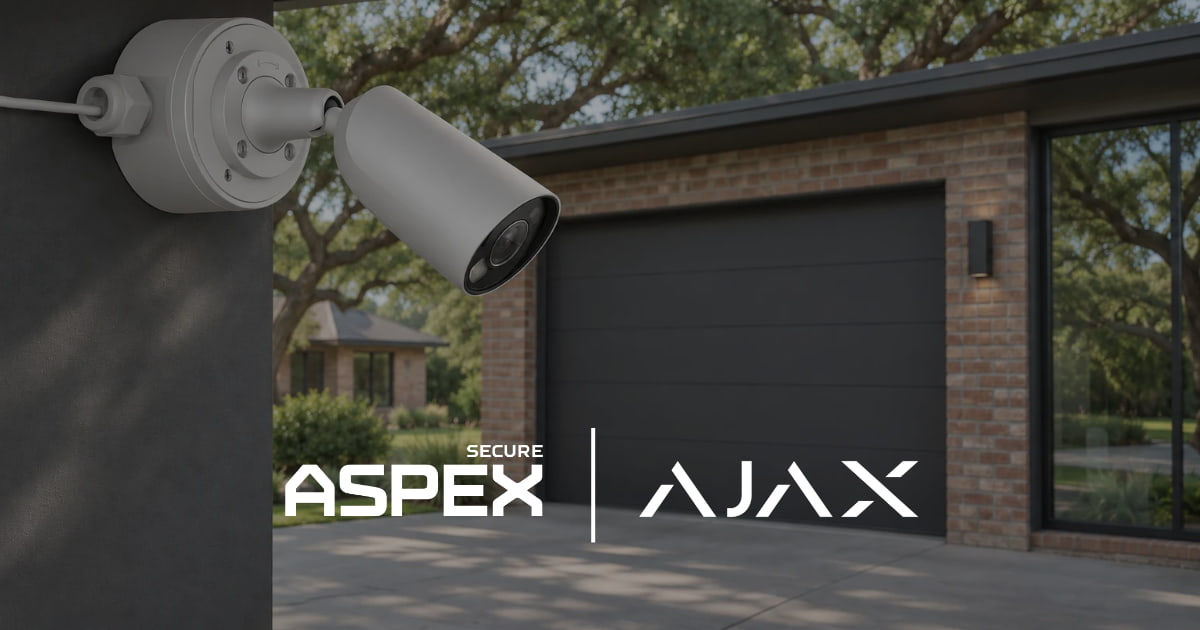
Ajax BulletCam, TurretCam, and DomeCam Mini connect over Ethernet. Their installation instructions provide two power options: PoE, or a suitable separate power supply alongside the Ethernet connection.
With PoE, the practical arrangement is:
- Connect the camera to a compatible PoE switch or injector.
- Connect the Ajax NVR to the same local network when using recorder storage.
- Provide internet access through the network’s router for Ajax Cloud connectivity.
The standard Ajax NVR and NVR DC covered by the NVR manual do not provide PoE outputs for cameras. Plan camera power separately; plugging the recorder into the network does not power the cameras.
Already have an Ethernet jack near the camera? Here’s how to check whether the equipment at the other end can power it.
Ajax IndoorCam and DoorBell use Wi-Fi for their video connection. That is different from wireless Ajax alarm detectors, which communicate with the hub using dedicated radio protocols. Jeweller and Wings are not a replacement for a camera’s full video connection.
See the full Ajax camera range at ASPEX.
Do Cameras Need Internet for Recording and Phone Access?
Storage and remote access are separate decisions. BulletCam, TurretCam, and DomeCam Mini record to a supported microSD card or an Ajax NVR with installed storage. IndoorCam and DoorBell use an Ajax NVR on the same network or subscription-based Ajax Cloud Storage.
Local storage identifies where footage is saved; remote access also needs a network path to that footage. For archive planning, see how long security cameras keep footage.
Your phone does not need Wi-Fi to check cameras remotely: it can use mobile data while the property uses wired internet. The property still needs its own working internet path for Ajax Cloud access.
No fixed internet service? An external LTE/5G router is one possible way to connect the camera network and NVR to the internet. Assess coverage, data allowance, power, and network configuration before choosing it. This is a separate router, not an Ajax camera using the alarm hub’s SIM card.
Why Choose Ajax Cameras as Part of Your Security System?
When a door alarm reaches your phone, the next question is what happened at that entrance.
Link a door detector and the camera covering that entrance with an Ajax video scenario. When the detector triggers an alarm, the configured scenario sends a short camera clip to your Ajax app. You get video context tied to the alarm instead of checking unrelated feeds.
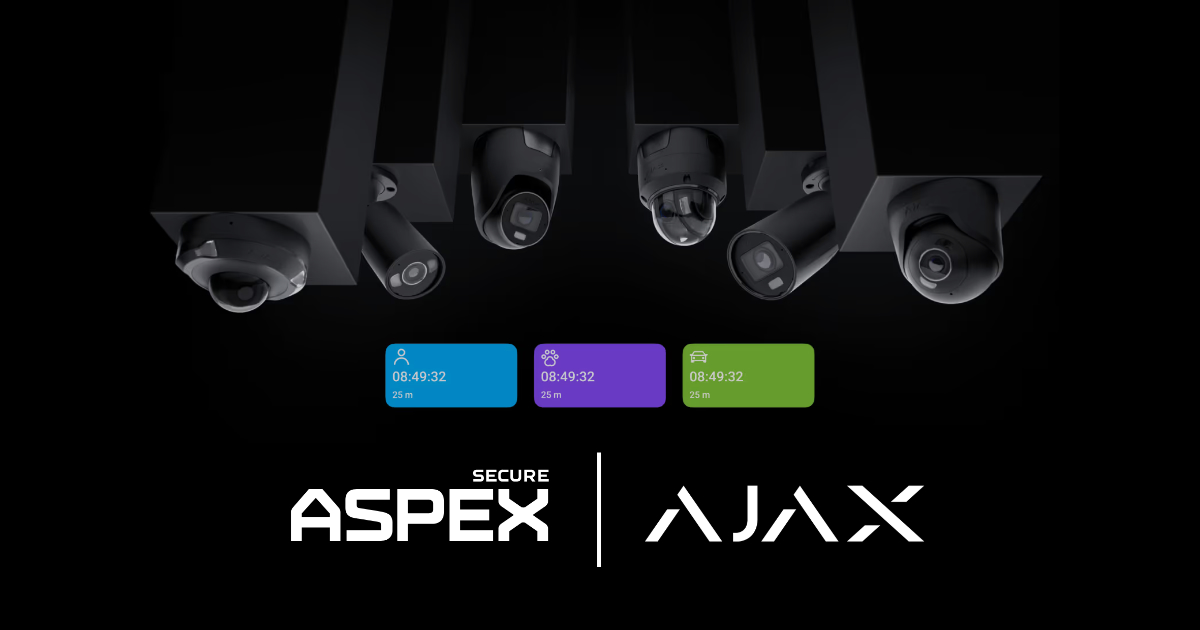
BulletCam, TurretCam, and DomeCam Mini use built-in object detection to classify moving objects as people, pets, or vehicles. That labels the type of object; it does not tell you who a person is or why they are there. Our Ajax object recognition guide explains how this helps you review relevant activities. With recording storage set up, you can review the archive and export clips through Ajax apps alongside live viewing.
ASPEX Secure is an Ajax Systems Authorized Partner. Our professional camera installation service connects equipment selection with the actual location: cable routes, power, network access, and recording needs. Those decisions turn a feature list into a usable setup.
Which Connection Fits Your Camera Location?
Use this ASPEX planning checklist to start with the job the camera needs to perform.
Budget for the camera, installation, network and power equipment, storage, and any required service plan. “Without Wi-Fi” does not automatically mean “without ongoing costs.”
Tell ASPEX your property type, available internet connection, and whether you need phone access while away. Discuss your camera setup to choose a connection, power source, and recording setup that fit the location.