A commercial security system should usually include intrusion detection, video surveillance, access control, professional alarm monitoring, mobile alerts and user management, backup power, and an alternative communication path such as cellular backup when supported by the equipment. The exact mix depends on the building layout, operating hours, access rules, and site-specific risks.
This guide explains what each layer does and how the components work together. Businesses ready to compare professional system design, installation, and monitoring options can explore ASPEX Secure’s commercial security systems in Houston.
How Do Commercial Security System Components Work Together?
A commercial security system works by connecting detection, video, access management, alerts, and backup infrastructure in one coordinated design. Intrusion sensors detect activity at protected openings or areas, cameras provide visual context, access control manages entry, and monitoring supports an established alarm-handling workflow. Backup power and alternative communication can help support continuity when primary utilities are interrupted, depending on the equipment and configuration.
Unlike a simple alarm, a commercial system is usually designed around the way a company actually functions. A Houston office may need controlled employee entry and a few strategically placed cameras, while a warehouse may need broader coverage, interior detection, and more detailed access management across multiple zones.

The 7 Core Components of a Commercial Security System
A complete commercial security design should evaluate seven layers. Not every property needs the same number of devices or an identical configuration, but each layer should be considered during system planning:
- Intrusion detection - door and window contacts, motion detectors, and glass break detection.
- Video surveillance - live viewing, recorded footage, and visual context for incidents.
- Access control - credentials, restricted-area permissions, and entry records.
- Professional alarm monitoring - structured handling of configured alarm events when employees may not be available.
- Mobile alerts and user management - system status, notifications, permissions, and event review.
- Backup power - support for critical security functions during certain power interruptions, depending on equipment and battery status.
- Alternative communication - cellular or SIM-based backup when supported, reducing dependence on a single internet connection.
These layers should operate as one coordinated system rather than as unrelated devices installed without a shared plan.
Intrusion Detection
Intrusion detection forms the base layer of most business alarm systems. It typically includes door contacts, window sensors, motion detectors, and glass break sensors, all working together to detect activity that may indicate unauthorized entry.
For many Houston businesses, this layer becomes especially important after business hours, when the building is empty and immediate awareness matters most. It is often the first part of the system that triggers an alert when something is wrong.
Video Surveillance
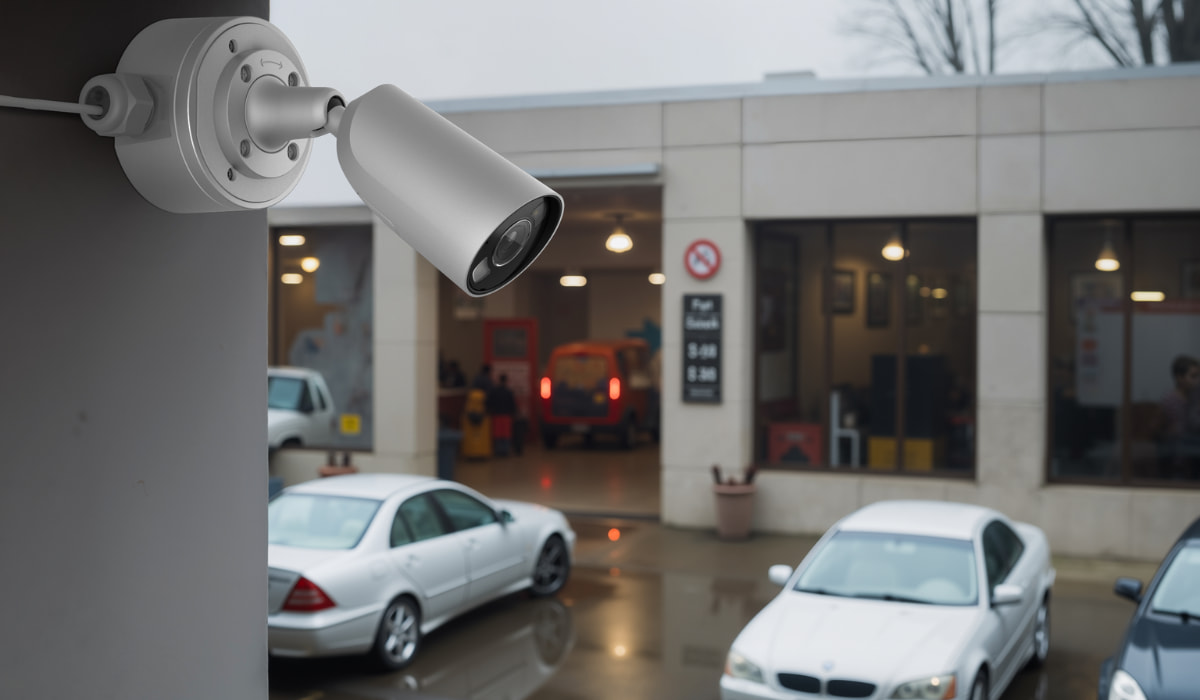
Video surveillance allows businesses to see what is happening on the property in real time and review footage later when needed. A commercial camera setup may cover entrances, parking areas, loading zones, hallways, inventory spaces, and customer-facing locations so that businesses have visual confirmation instead of relying on alarm signals alone.
This is one of the most useful parts of a modern security system because it improves visibility and supports decision-making after an event. In many cases, cameras help verify whether an alarm is tied to normal activity, employee movement, or a real security issue.
Access Control
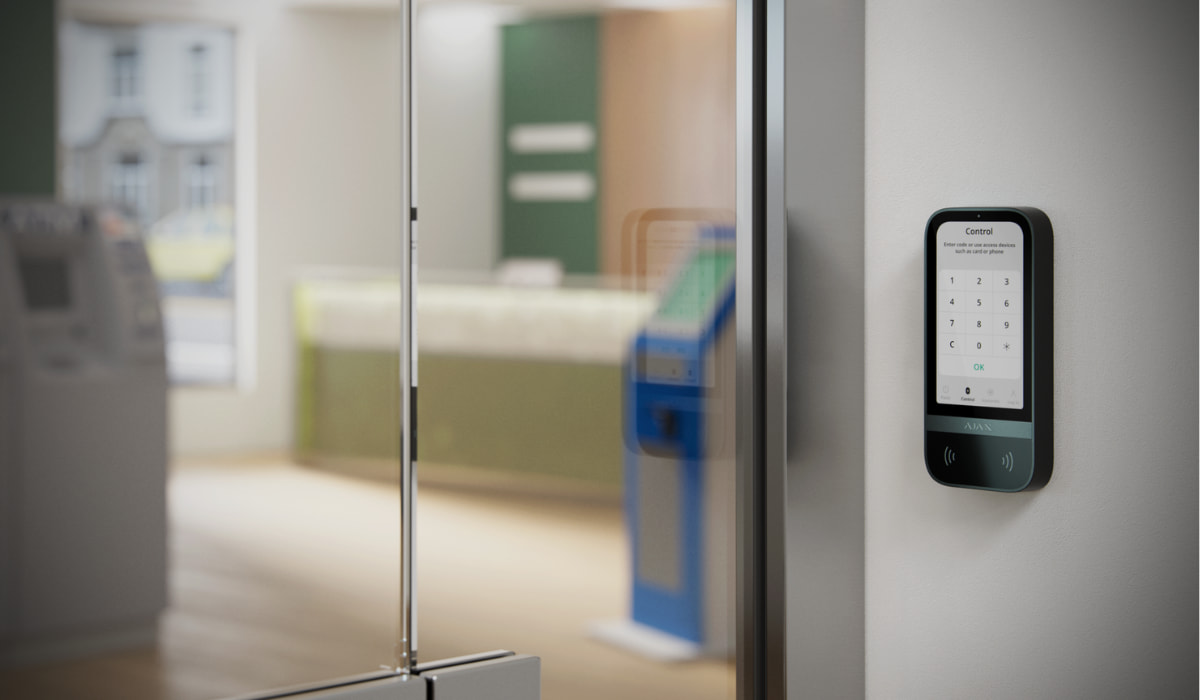
Access control helps businesses manage entry without relying only on traditional keys. Instead, a company can use credentials, cards, fobs, keypads, or app-based access to decide who can enter the building and which interior areas remain restricted.
This becomes especially useful when a business has multiple employees, different schedules, vendor access, or rooms that should be limited to certain people. It also creates entry logs, which can improve accountability and make daily operations easier to manage. Many companies pair this with access control systems to keep entry management organized and scalable.
Alarm Monitoring
Alarm monitoring adds consistency to the way alerts are handled. Instead of depending only on whoever happens to notice a notification, a monitored setup helps ensure that alarm events are reviewed and addressed according to the system configuration.
For businesses in Houston, monitoring can be particularly useful for after-hours protection, properties with more than one entry point, or locations that are not always staffed. It works best as part of a complete commercial security strategy rather than as a standalone feature. Many businesses choose professional alarm monitoring because it adds a reliable response layer beyond the equipment itself.
Mobile Alerts and User Management
Mobile management helps authorized users check system status, receive alerts, review events, and manage access without requiring every employee to have the same permissions. Available controls depend on the platform and system configuration, but user roles should reflect each employee’s responsibilities and access needs.
Why Professional System Design Matters
A standard package may not reflect the real vulnerabilities of a business. A professionally designed commercial security system is usually more effective because it is built around the property layout, the daily movement of employees and visitors, and the specific risks connected to the business type.
That matters because a retail store, office, warehouse, and service company do not use space in the same way and should not be protected with the exact same setup. A stronger design can cover real entry points, align with business hours, reduce false alarms through better configuration, and make future expansion much easier.
How Should a Business Decide Which Components It Needs?
Choosing the right commercial security system starts with understanding the property and how the business operates on a daily basis. A company should first evaluate the layout of the building, including entrances, exits, restricted areas, storage zones, and any spaces where activity needs to be tracked more closely.
After that, the business should identify which areas carry the highest risk, then decide what combination of intrusion detection, video surveillance, and access control makes the most sense for the site. The final decision should also take into account whether professional alarm monitoring is needed for after-hours coverage and whether a professional assessment is necessary to confirm device placement and overall scope.
This approach helps prevent overspending on unnecessary equipment while also reducing the chance of leaving important areas unprotected. It is especially useful for businesses comparing office security systems, warehouse security systems, retail security systems, or commercial alarm monitoring options in Houston.
Do Houston Businesses Need Alarm Monitoring?
Many businesses choose alarm monitoring because it adds reliability to the way alerts are managed when the property is closed, busy, or spread across multiple areas. If a business cannot depend on someone always being available to notice a notification, monitoring can provide a more consistent layer of response.
For Houston businesses with inventory, customer traffic, employee access concerns, or after-hours exposure, monitoring is often part of a complete security design rather than an optional add-on. The exact setup may vary, but the core value is making sure important alarm events are less likely to be missed.
How Do Component Needs Change by Business Type?
Houston businesses should look for a commercial security system that is reliable, professionally designed, scalable, and built around the way the property actually operates. The system should match the building layout, employee access needs, business hours, monitoring preferences, and future growth plans.
A small office may need controlled entry, several well-placed cameras, and mobile app access. A warehouse may need broader perimeter awareness, interior intrusion detection, loading zone coverage, and more detailed access permissions. A retail location may need cameras plus intrusion protection, employee access control, and monitoring for after-hours coverage. Our guide to retail security beyond cameras explains how these layers work together for Houston stores.
The strongest system is not the one with the most devices. It is the one where every device has a clear purpose and works together as part of one connected security plan.
How Can Ajax Connect the Security Components?
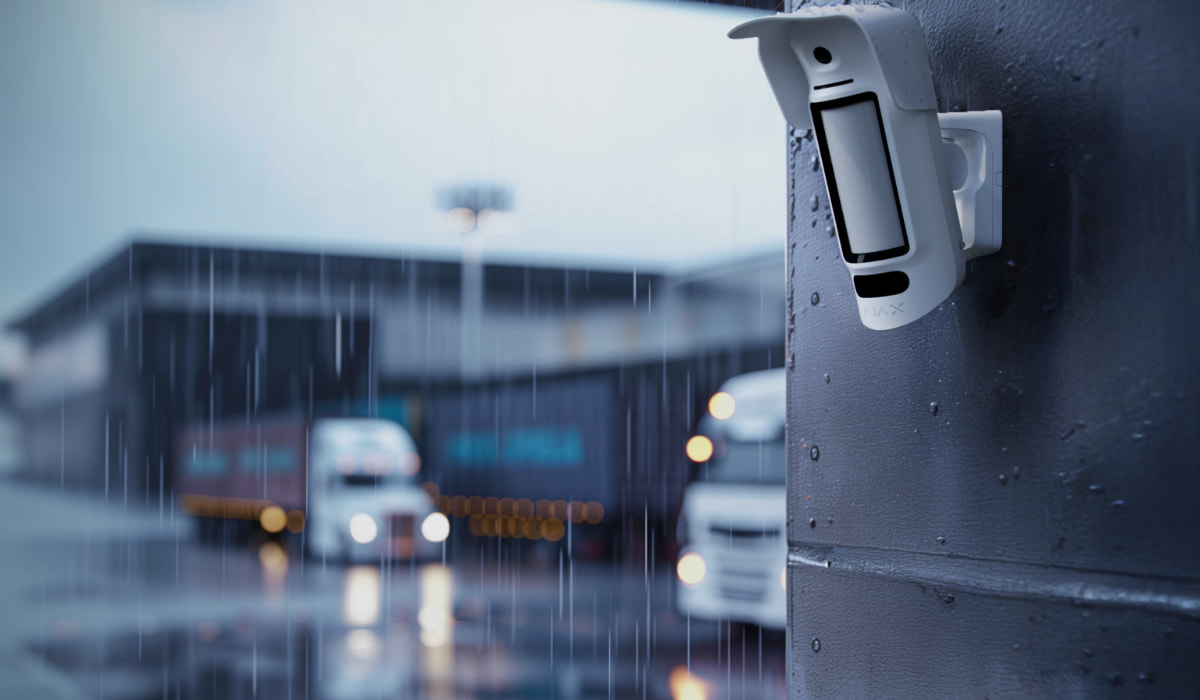
Ajax Systems is a professional-grade smart security platform used in both residential and commercial environments. For businesses, its main strength is that it can be configured as a flexible security ecosystem rather than a basic alarm kit.
Depending on the selected hub, devices, and monitoring setup, Ajax can support intrusion detection, mobile app control, automation, video surveillance integration, access control features, backup battery operation, and cellular communication through SIM cards. This matters because a commercial security system should not rely only on Wi-Fi or one power source.
For a Houston business, this can be especially valuable during storms, power interruptions, internet outages, or after-hours periods when no one is on-site. A professionally installed Ajax system can be designed around the property’s real risks, employee access needs, and monitoring requirements.
As an Ajax Systems Authorized Partner, ASPEX Secure helps businesses design, install, support, and monitor Ajax-based security systems based on the property layout and operational needs.
How Do Backup Power and Alternative Communication Support the System?
A commercial security system can continue working during certain internet or power interruptions when it is designed with backup battery power and alternative communication channels. This depends on the equipment, hub model, cellular signal, monitoring setup, and overall configuration.
For businesses, this is an important difference. A basic camera-only setup may lose key functionality when the internet goes down. A professionally configured security system can be designed with backup communication, such as cellular connectivity through a SIM card, so alerts and monitoring signals may continue even when the local network is unavailable.
Power backup also matters. If the building loses electricity, the system should not immediately become useless. Backup battery operation can help keep critical security functions active for a period of time, giving the business a stronger layer of reliability during storms, outages, or electrical issues.
Which Components Affect Commercial Security System Cost?
Commercial security system cost depends on the components and scale required, including the number of protected openings, camera coverage and recording needs, access-controlled doors, installation complexity, backup communication, and monitoring requirements. A small office will naturally have a different cost structure than a warehouse, retail location, or multi-door commercial facility.
Because every property is different, the most accurate pricing usually comes from a professional assessment. That makes it easier to determine how much equipment is actually needed and whether the final system should prioritize alarms, cameras, access control, monitoring, or a combination of all four.
The Bottom Line: Build Around Risks, Not a Preset Package
The right commercial security system is defined by how its components work together not by the number of devices in a preset package. Intrusion detection, cameras, access control, monitoring, app management, backup power, and alternative communication should be selected around the property layout, operating hours, access rules, and after-hours risks.
Explore ASPEX Secure’s commercial security systems in Houston to learn about professional design, installation, and monitoring options. When you are ready to define the scope for a specific property, request a security system quote.