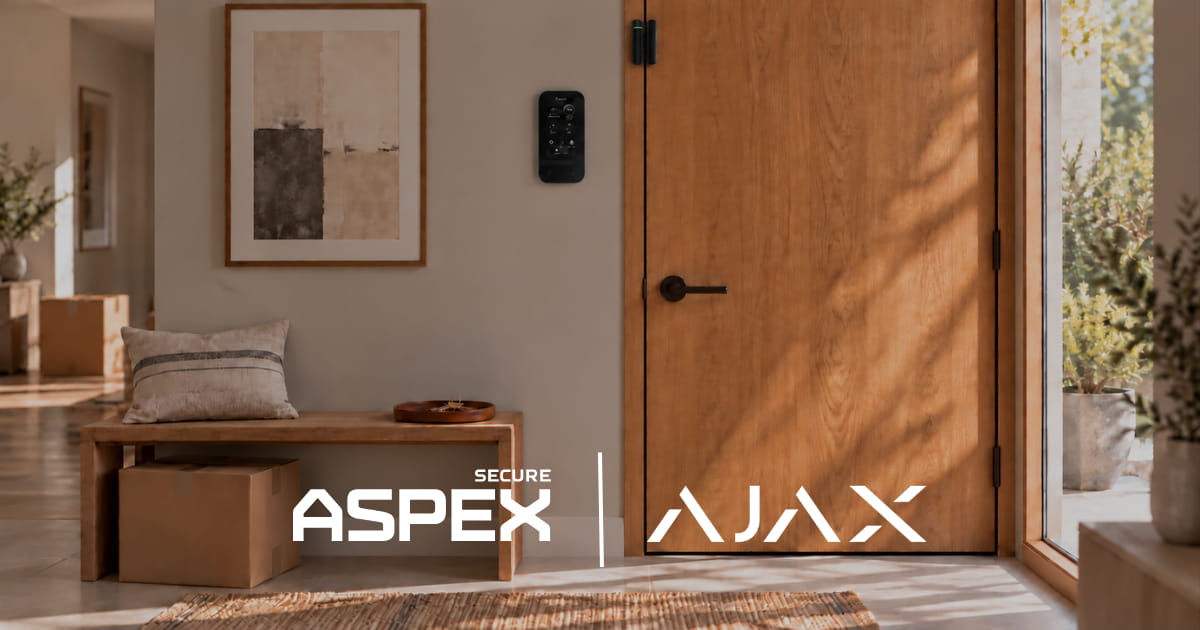
Commercial access control decides who can open which door, and when. Start with staff entrances, stockrooms, and delivery doors. Individual alarm credentials manage security permissions; electronic locks control physical passage. Choose the combination that solves the problem at each door.
Which Doors Should You Control First?
Prioritize doors separating customers from staff, inventory, cash, or sensitive equipment. A public entrance that stays open during trading hours usually needs a different arrangement from a locked stockroom.
Use this table as a starting worksheet for your door plan.
Include the door plan in the wider commercial security system.
Should Employees Use Codes, Cards, Fobs, or Phones?
Assign credentials individually so access can be reviewed or removed when responsibilities change. Avoid sharing a manager’s code with everyone who needs occasional access.
Ajax KeyPad TouchScreen Jeweller supports these methods for security control:
- Personal codes: A practical option without another device to carry.
- Pass cards or Tag fobs: Contactless identification using DESFire technology.
- Smartphones: Authentication through the Ajax Security System app using Bluetooth Low Energy.
These methods authorize supported alarm functions. Physical unlocking requires a configured lock-control arrangement. Test that complete sequence during handover.
Ajax supports remote code changes and blocking lost access devices. Include both in employee onboarding and offboarding procedures.
When Do You Need an Electric Lock?
Use electronic locking when a door must restrict passage or release on command. If the only requirement is identifying who arms or disarms the alarm, individual alarm codes are enough for that task.
What Can Relay Jeweller Automate at a Door or Gate?
Relay Jeweller uses a dry contact to switch a separate circuit. The connected lock, controller, or reader performs the physical access function. Ajax documents three applications:
- Electric lock or maglock: Control through the Ajax app, Button Jeweller, or a scenario. Electromagnetic locks use bistable operation.
- Gate or barrier: Operate through the controller’s input. Displaying position requires a controller status output connected through an integration module.
- Existing card-reader system: Switch the reader’s power to disable card operation while armed and restore it on disarming, in a compatible design.
Scenarios can follow arming/disarming, alarms, Button presses, or schedules. Examples include locking a staff door on closing or releasing a delivery door at a defined time. A relay schedule is not an individual employee access schedule.
Ajax requires a qualified electrician for Relay installation. Its lock guide excludes fail-secure locks from exit routes and describes fail-safe locks for passages that must release on power loss. It also recommends backup power and an emergency opening method. Reader-power control needs a planned emergency disconnect; gate installations need backup-power planning, correctly configured operating time, and presence detection.
Can a Smart Lock Replace a Wired Electric Lock?
Yes, for an office, staff entrance, or back door. A Yale smart lock connects to the Ajax system over the building's Wi-Fi, so the door gets electronic control without running wiring to the lock. Ajax supports Yale Assure Lock 2, Yale Assure Lock Touchscreen, Yale Smart Lock Pro, Yale Wi-Fi Smart Lock, and Yale August Smart Lock.
The lock appears in the same Ajax app as the alarm and cameras. Managers lock and unlock the door remotely, see its status and battery level, and get alerts for low battery, lost connection, or tampering. The log shows who locked or unlocked the door and when. ASPEX Secure installs the lock, connects it to your Ajax system, and sets up user access.
When Does Access Control Become Worthwhile?
It is worth assessing when keys, employee changes, or restricted rooms create recurring operational problems. Start with the issue you want to resolve.
Frequent staff changes: Remove the departing person’s alarm credentials and review accounts, door-access permissions, and physical keys. Individual credentials avoid changing a shared code for the whole team.
Lost cards or keys: Block the lost Ajax credential promptly, then check for other credentials or keys that still work. Disabling a fob does not resolve a missing physical key.
Cleaners and deliveries: Decide who needs independent entry and who should be admitted by staff. Confirm any time-based restrictions in the selected access system before purchase.
Rooms that stay restricted during trading: A stockroom requiring controlled entry needs physical restriction while the rest of the business remains open. An alarm used only after closing does not solve that daytime problem.
For a stable team with no restricted rooms, individual alarm codes and sound key management are a sensible first step. Compare priorities in our small business security systems guide.
What Changes for Retail, Warehouses, and Restaurants?
Retail: Separate customer circulation from stockroom and cash-office permissions.
Warehouses: Assess personnel entrances separately from overhead loading doors. Define driver admission and distinguish a control command from confirmed door position.
Restaurants: Establish who receives deliveries, admits cleaners, and checks the back door after closing. Limit restricted storage access to the appropriate staff.
How Should Doors, Alarms, and Cameras Work Together?
Give each component a defined job: locks control passage, alarms detect configured events, and cameras provide visual context.
Ajax identifies security-mode changes made with personal codes or supported personal access devices. That records an alarm action rather than proving passage through a doorway. Specify and test physical access records separately when they matter.
For several properties, the multi-site business security guide explains how to organize responsibilities across locations.
How Does ASPEX Secure Plan the Installation?
ASPEX Secure is an Ajax Systems Authorized Partner that designs, installs, configures, and supports security systems and offers professional monitoring options in Houston and surrounding areas.
ASPEX Secure holds Texas DPS license B31104701, which includes Electronic Access Company.
A door-by-door assessment establishes users, restricted areas, hardware, and operating procedures. Handover includes testing entry, relocking, credential removal, and outage behavior, followed by staff training.