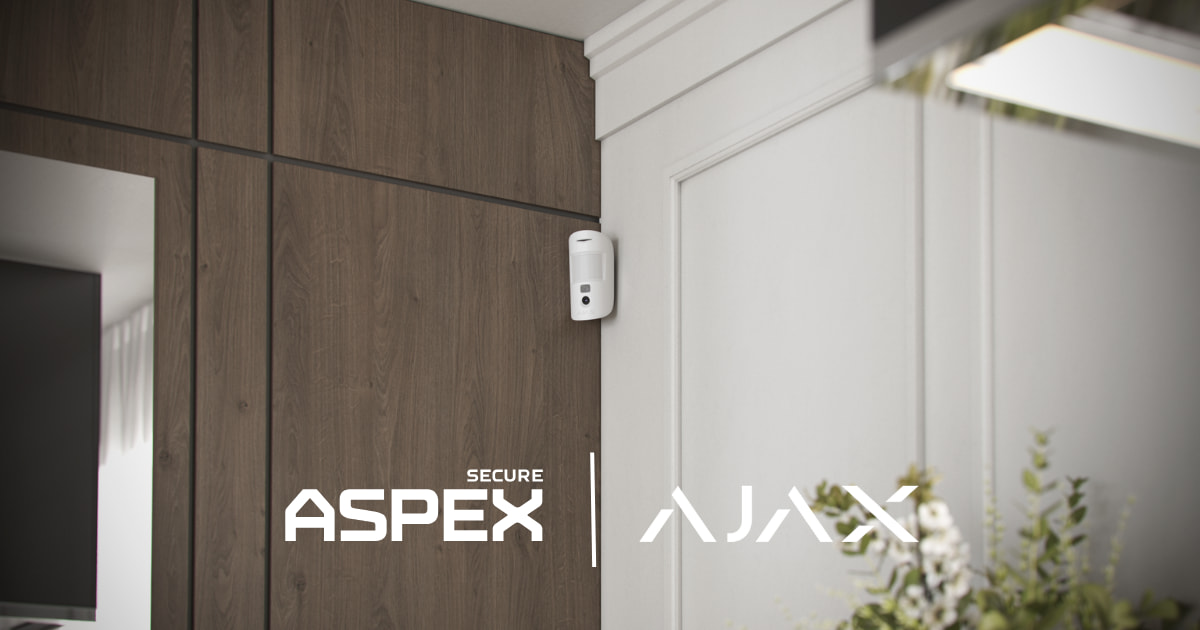
Most home security false alarms are caused by user error, pets, incorrect sensor placement, open doors or windows, or settings that do not match the way the home is used. Photo verification does not prevent every false alarm, but with compatible equipment and configuration, it may show what triggered an event and help the homeowner or monitoring team assess it.
Why Do Home Security Systems Have False Alarms?
A false alarm occurs when a security system reports an alarm event even though there is no real intrusion or emergency. The detector may have responded to actual movement or a zone change, but the cause may be a pet, routine user activity, an environmental condition, or a setup issue.
Not every unwanted notification is a false alarm. A camera activity alert caused by passing traffic and a low-battery or signal-loss warning are not the same as an intrusion alarm. Identifying the exact event type is the first step toward the right fix.
A professionally designed residential security system should account for the property layout, protected openings, pets, household routines, visitor access, and monitoring needs from the beginning.
What Are the Most Common Causes of Home Security False Alarms?
Most recurring false alarms trace back to a small number of practical issues:
- User routines: A resident, guest, cleaner, or contractor may use the wrong arming mode, miss an entry delay, or open a protected door before disarming.
- Pets and room layout: A motion detector aimed toward stairs, sofas, shelves, or other elevated pet routes may interpret animal movement as a person. Pet-aware settings may help, but they do not eliminate every pet-related alarm. For a deeper review, see our guide to Ajax motion detector pet immunity.
- Sensor placement: Motion detectors aimed at windows, heat sources, moving curtains, stairs, or climbable furniture may be more likely to produce unwanted alarms.
- Doors and windows: A protected opening may be left open, or a loose frame, poor alignment, or vibration may affect a contact sensor.
- Settings: Sensitivity, entry and exit delays, arming modes, or user permissions may not match the household routine.
- Camera zones: Overly broad zones may generate nuisance notifications from traffic, trees, reflections, or neighboring activity. These are not always intrusion alarm signals.
- Device status: Low batteries, weak signals, or offline devices may create trouble warnings or inconsistent operation. Confirm the event type before treating them as false intrusion alarms.
Those same zone and object settings become even more important when video detection is configured to activate a siren, exterior light, or another automation device.
A repeated alarm should be diagnosed by event, device, and zone rather than by lowering sensitivity across the entire system.
False Alarm Causes: What to Check First
What Should You Check After a False Alarm?
- Open the event history. Record the time, device, zone, event type, and any available alarm images.
- Confirm what kind of event occurred. Separate an intrusion alarm from a camera activity notification, low-battery warning, signal-loss message, or other system event.
- Reconstruct the routine. Check who was home, which arming mode was active, whether a visitor had instructions, and whether an entry or exit delay was missed.
- Inspect the device and protected area. Check contact alignment, mounting, obstructions, furniture changes, pet routes, camera zones, and anything moving near the detector.
- Review device health. Check battery status, signal strength, hub communication, and recent offline or supervision warnings.
- Review photo verification when available. Images may add useful context, but they do not prove that a scene is safe or identify every cause correctly.
- Retest after any change. Follow the manufacturer’s detection-zone and system testing procedures. Do not permanently bypass a zone or lower sensitivity until alerts stop without confirming that intended detection still works.
If the same device or zone triggers again without a clear explanation, request a professional review before making broader changes. Ajax Systems also provides official guidance on false alarms and how to avoid them.
How Does Photo Verification Help With False Alarms?
Photo verification adds visual context to a supported alarm event. Instead of receiving only a motion alarm, authorized users—and, when the system and monitoring configuration support it, monitoring professionals—may receive images from a compatible detector.
Those images may help show whether the visible cause was a person, a pet, or another source of movement. This can support a faster, better-informed assessment and may reduce unnecessary escalation. It does not stop the detector from triggering, prove that the property is safe, or guarantee that every event will be classified correctly.
Compatible Ajax MotionCam devices support photo verification. Availability and access depend on the exact device, hub, app, permissions, and monitoring configuration. Ajax explains the supported options in its official guide to MotionCam photo verification.
Alarm images should be considered alongside the device name, zone, time, event history, and other available information.
Photo Verification vs. Security Cameras
Photo verification and security cameras are related, but they are not the same thing.
Security cameras provide video coverage of important areas such as the front door, driveway, garage, backyard, or side gate. Photo verification is tied more directly to an alarm event, giving a snapshot of what triggered a sensor.
A strong system can use both:
- Motion sensors and door/window contacts detect intrusion activity.
- Photo verification helps confirm what triggered an alarm.
- Cameras provide wider visual coverage and recorded context.
- Monitoring helps handle alarm events when the homeowner is unavailable.
- App control allows the user to review alerts, arm or disarm the system, and manage users.
For the best result, cameras should not replace intrusion detection. They should support it.
How Does Professional Installation Help Reduce False Alarms?
Professional security system installation may help reduce recurring false alarms by matching detector selection and placement, contact alignment, settings, user permissions, and entry and exit delays to how the home is used. A technician can compare event history with the actual room, check coverage and signal status, review pet routes and furniture, and confirm that adjustments still provide the intended detection.
ASPEX Secure designs, installs, supports, and monitors professionally configured Ajax systems around the property layout and household routine rather than using the same settings for every home.
How Can Professional Monitoring Help?
Professional monitoring does not prevent every false alarm or correct a poorly configured system. It adds a defined alarm-handling workflow when the homeowner is unavailable. Clear zone names, event history, and photo verification may provide additional context when supported by the devices, permissions, and service configuration.
ASPEX Secure offers professional alarm monitoring for compatible Ajax-based systems. Monitoring options and procedures depend on the system design and service configuration.
Why This Matters for Houston Homes
In a Houston home, false-alarm diagnosis should still begin with the exact event—not a broad assumption about weather or connectivity. Large layouts, detached garages, side gates, pets, household staff, and frequent visitors can affect zone naming, access permissions, device placement, and arming routines. The system should be configured and tested under normal household conditions.
Get Help With Repeated False Alarms
Repeated alerts from the same zone should be diagnosed rather than ignored or permanently bypassed. ASPEX Secure can review event history, sensor placement, contact alignment, pet routes, camera zones, arming settings, signal status, photo verification, and monitoring configuration for Houston-area homes.