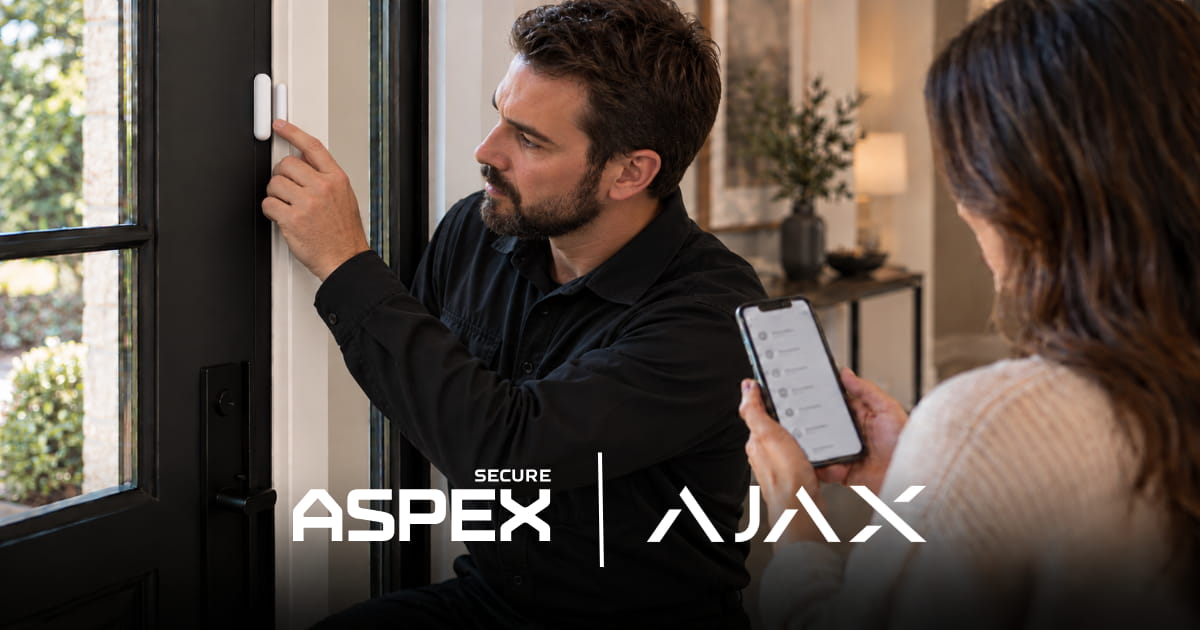
To test a monitored alarm system, verify three outcomes separately: a device detects the intended event, the right person receives a normal alarm alert, and the monitoring provider confirms that the expected signal reached the correct account and zone. Arrange any intentional alarm-transmission test with your provider before triggering it. A device test alone cannot confirm the rest of the chain.
What Should a Monitored Alarm System Test Confirm?
Confirm each stage separately:
Walk Test vs. Monitoring Signal Test: What Is the Difference?
Ajax Walk Test checks the operation of supported alarm devices. During this mode, triggering a tested device does not raise a normal alarm or send that trigger as an alarm notification to users or the monitoring station. The results appear in the Ajax app for review. Walk Test availability depends on the hub and software version.
Ajax says entering or leaving Walk Test can notify the monitoring station. Tamper alarms and malfunctions can still transmit. Coordinate this check with your provider.
An app notification test checks that an authorized person's phone receives a normal alarm alert under an approved procedure. A monitoring signal test requires the provider to confirm receipt of an agreed event. Ajax's Detection Zone Test can show a detector response in the app; its pop-up is not proof of a normal alarm push notification.
What Should You Do Before Testing?
Contact ASPEX Secure or your monitoring provider first. Agree on the property, devices, event types, and how the test will be confirmed and concluded. Check app users, monitoring contacts, and the scope of your plan.
Do not assume a test setting changes operator handling. Never generate an intrusion, panic, fire, or carbon monoxide alarm simply to see what happens; follow the approved procedure. For businesses, confirm zone names and keyholders. See our guide to business alarm monitoring in Houston.
How Do You Check Sensors and App Alerts?
Check the device and its coverage
Use current Ajax instructions for the installed detector and hub. A Walk Test or detection-zone check can show whether a door contact or motion detector responds where intended. A Jeweller signal-strength test checks a compatible device's radio link to the hub. Neither confirms phone delivery or monitoring-center receipt.
Check a normal app alert separately
Under the approved procedure, confirm that the intended authorized person receives a normal alarm alert on their phone. Compare it with the event in the Ajax app. Notification categories, phone settings, and user permissions can affect delivery; consult Ajax's notification guidance if an expected push alert is missing.
Record the device, test type, time, recipient, and result. A local test pop-up does not replace this check.
How Do You Confirm the Monitoring Center Received the Signal?
Before generating an agreed alarm event, arrange the signal test with ASPEX Secure or the monitoring provider. Ask the provider to confirm what reached the correct account: the event type, zone, and time, as available through the configured service. Match this to the intended test.
For example, a front-door contact may respond during Walk Test. In a separately approved alarm test, the homeowner then checks the expected phone alert while the provider confirms whether the intended Front Entry signal reached that home's account. If the zone name or account does not match, resolve the mismatch before signing off on the test.
Confirm whether that event is included in your professional alarm monitoring plan. Sensor alarms, photo verification, camera events, and trouble signals can differ by configuration. One received test signal does not guarantee future delivery or emergency dispatch.
Finish according to the provider's instructions and record any mismatch. A siren or phone alert cannot confirm monitoring-center receipt.
When Should You Repeat the Test?
Check the relevant stages when monitoring is first commissioned and after meaningful changes: a detector is moved or replaced, internet or cellular equipment changes, app users or notification settings change, or monitoring contacts are updated. A contact change calls for checking the account instructions; a changed communication path may also call for a coordinated signal test. Follow your equipment documentation and provider's advice for routine checks.
If a communication path changes, ask which path was actually used for the approved signal test. Battery backup and cellular service can support some power or internet outage scenarios, but their availability must be checked on the installed system.
What If One Stage Fails?
Investigate recurring unwanted alarms separately rather than repeatedly generating live test events. Our guide to home security false alarms covers common causes and the role of photo verification.
Have ASPEX Secure Review Your Alarm Test
ASPEX Secure designs, installs, supports, and monitors professionally configured Ajax systems for homes and businesses in Houston and surrounding areas. Learn more about professional alarm monitoring and contact ASPEX Secure to review device coverage, authorized app recipients, communication paths, and the monitoring procedure for your property.